Create your QR Code in 3 Simple Steps
Follow this professional roadmap to design and download high-impact QR codes for your brand or business.
Register and choose
your QR type
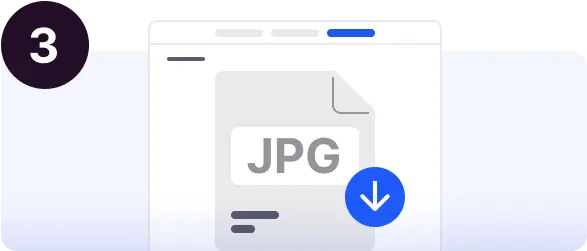
Sign up for a free account to unlock our advanced generator. Once logged in, select the type of QR code you need—whether it's for a website URL, a custom flyer, or a digital business card.
- Fast & Free Registration
- Multiple QR Categories
Customize and design
to measure
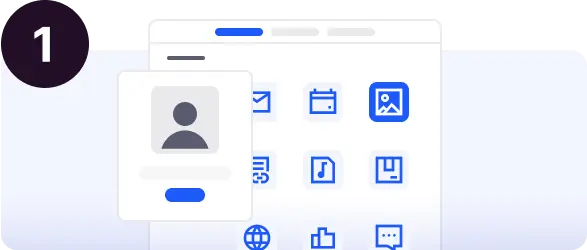
Complete your QR code content and bring it to life. Choose from a variety of shapes, set your brand colors, and add your logo or a professional icon to build trust with your audience.
- Advanced Shape & Color Controls
- Central Logo & Emoji Support
Download and
share everywhere
Download your final QR code in high-quality PNG or JPG format. It's ready to be added to your flyer designs, business cards, or any digital medium. High resolution ensures perfect scanning every time.
- High-Resolution Export
- Print-Ready Quality