Advanced QR Generator
Design professional, branded QR codes with custom shapes, logos, and colors.
See how it worksComplete the content
Design your QR
How to use the QR Generator
Input Content
Paste your website URL, social profile link, or any text you want to encode into the QR code.
Customize Style
Adjust the color and resolution to match your brand or project needs. Changes happen in real-time.
Instant Download
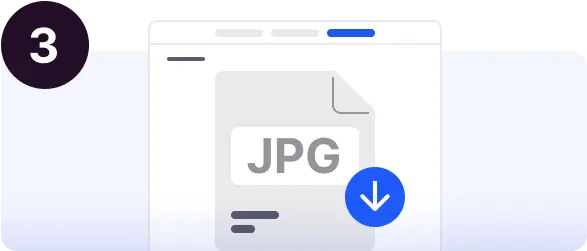
Once you're happy with the preview, click download to save the QR code as a high-quality PNG image.
Share Everywhere
Use your QR code on business cards, flyers, websites, or digital menus to bridge the physical-digital gap.
Live Preview
Upgrade for more
- Custom Logo Integration
- Dynamic URL (Change later)
- Advanced Scan Analytics
Frequently Asked Questions
...Create your QR Code in 3 Simple Steps
Follow this professional roadmap to design high-impact QR codes.
Register and choose
your QR type
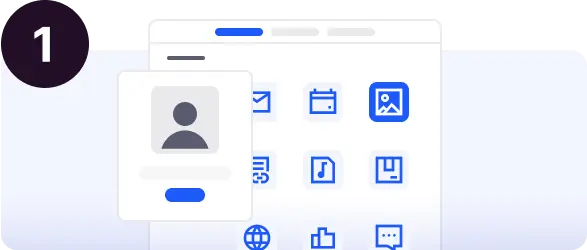
Sign up for a free account to unlock our advanced generator. select the type of QR code you need—whether it's for a website URL, or a custom flyer.
- Fast & Free Registration
- Multiple QR Categories
Customize and design
to measure
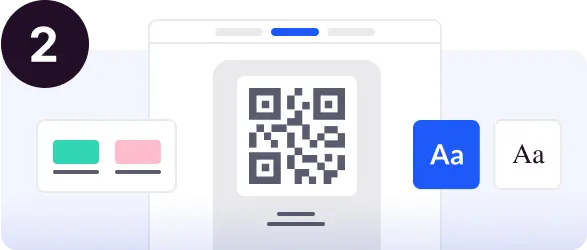
Complete your QR code content and bring it to life. Choose from a variety of shapes, set your brand colors, and add your logo or a professional icon.
- Advanced Shape & Color Controls
- Central Logo & Emoji Support
Download and
share everywhere
Download your final QR code in high-quality PNG format. It's ready to be added to your flyer designs or any digital medium.
- High-Resolution Export
- Print-Ready Quality